
How to use pip install for Python : step by step tutorial
Follow us on Twitter 
Question, remark ? Contact us at contact@myengineeringtools.com
How to use pip install : step by step guide
There are many libraries for Python and one cool thing is that Python comes with its own installer, pip, to easily download and install libraries. This guide is explaining how to use pip.
The prerequisite is to have installed Python on your computer and to have selected the "add to path" option during installation, which is important. If you don't know how to do that please refer to this tutorial : how to install python
If you have installed Python the correct way, pip should already be installed.
How to use pip install : step by step guide
Step 1 : verify that you can access Python in command line
Open a terminal : use the search function of Windows,
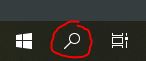
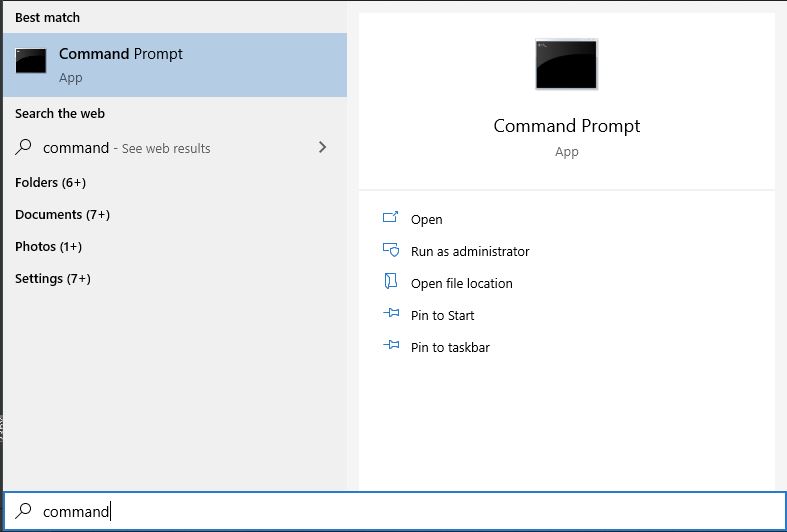
then type command, then click on prompt command. A terminal window opens.
Then type python in minuscule.
If the following shows, then you're good. If not, you need to review the installation of Python.

Step 2 : localize the package you need with PyPi
Python has a kind of app store for the different libaries available. It is called PyPi. Just go 1st to PyPi to get the exact name of the package you wish to install.
For example, you want to install numpy. Go to pypi.org and type numpy in the search box.

It is available, you can download it thanks to the install tool given by Python, named pip.
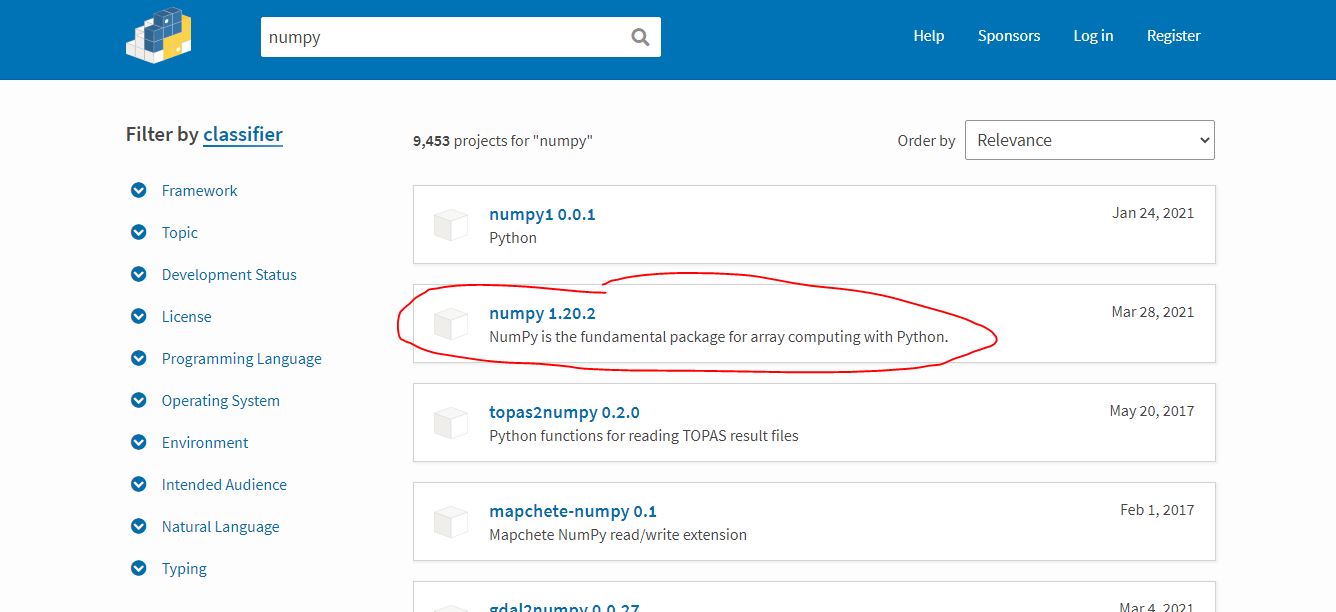
On PyPi, click on the library you want to install, it will directly show you the pip command you need :

Step 3 : install the library with pip
If you are still in the python prompt, exit by typing exit()

To install a new library that you just need to type the following command :
pip install namelibrary
Replace namelibrary by what you want to install, in our case, numpy (you can refer to PyPi, see step 2, to get the correct name of the library).
pip install numpy

Step 4 : enjoy your new library
The new library is now available.
Note that it can in some cases be more complicated due to some dependencies in between libraries although pip is able to manage some and install other packages that may be needed by the library you wish to use, but for the most common ones it should be sufficient.
Top 5 Most
Popular
1. Compressor
Power Calculation
2. Pump Power Calculation
3. Pipe Pressure
Drop Calculation
4. Fluid Velocity in pipes
5. Churchill Correlation
(friction factor)